



Livestream ZOOM meetings to YouTube/ Facebook Live: The perfect couple to host your next big online event.
Increase the turnout for your virtual events and fundraisers by letting people watch from their platform – Zoom, YouTube Live or Facebook Live. Make it easy for them to respond immediately to your appeal to volunteer, register to vote or donate with BigStage Online.
Create interactive online fundraisers and events with ZOOM, YouTube Live and Facebook Live
The choice of which platform to use depends on your purpose, audience size and budget. Is it a small private fundraiser for twenty donors? Training fifty volunteers to phone bank? Or a concert for thousands of people to turn out the vote. One size does not fit all when it comes to virtual events. In this blog you’ll learn:
- How to choose between ZOOM, YouTube Live and Facebook Live – and when to use them together
- The benefits of streaming ZOOM to YouTube / Facebook Live
- How to launch a Facebook Live stream
- How to increase donations and response rates to other calls to action during online events
- How to use LOOM to create short video tutorials for free
ZOOM Meeting: Pros and Cons
ZOOM and Youtube Live or Facebook Live have many pros and cons, but have you thought about using them together for your next online meeting or event? Live streaming your ZOOM meeting across three different platforms will help reach new audiences while retaining the audience members who are already comfortable with engaging with your content on ZOOM.
ZOOM Pros:
- Scalable for small, medium, and large events.
- Audience engagement: Zoom offers interactive features like audience polling, Q&A, virtual hand raising, and more for better audience engagement.
- Better security as you can restrict who can attend your event.
ZOOM Cons:
- ZOOM requires users to register an account for best video quality which may deter some users.
- The cost of ZOOM increases with the number of event attendees.
- ZOOM is not ideal for very large events with thousands of users.
YouTube and Facebook Live streaming
- YouTube and Facebook offer free video streaming to hundreds of users.
- Attendees can watch but cannot interact with the presenter as with ZOOM.
- Event organizers cannot find out who attended their events in order to followup with them after an event.
- It is hard to add calls to action (such as make a donation) to such streaming events.


Make your ZOOM events and fundraisers accessible on Facebook and YouTube
Combine the features of ZOOM with the broad reach of YouTube/Facebook Live and Big Stage direct response buttons.
ZOOM events can be streamed to Youtube Live and Facebook Live. This lets people watch without first having to register with ZOOM – but viewers can only watch and not interact with the presenters on ZOOM. How can such events be made more interactive and easier to raise donations regardless of how they are being watched?
Add interaction buttons above the video with Big Stage which let you direct users to where you want them to go. Encourage your viewers to click on buttons you control while they watch the presentation – just as if it were an infomercial with the urgent appeal to “CALL NOW! in the heat of the moment”. Here’s how it’s done:
- Creating a ZOOM event
- Generating a video stream to YouTube Live or Facebook Live
- Creating an embed code
- Inserting that embed code into BigStage to create an event invitation
- Streaming ZOOM events through Facebook Live along with donation buttons

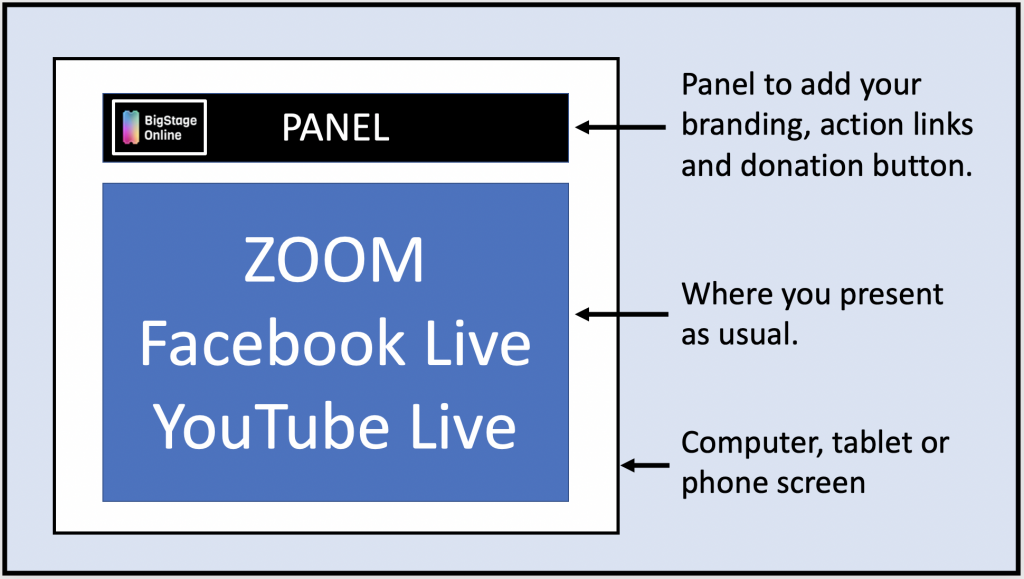
How to create an interactive Zoom-Facebook-BigStage virtual event
- Launch a Facebook Live event and stream your ZOOM event to it. Or host your event in Facebook Live itself. Facebook provides an Embed Code which can be inserted into a web page.
- Format the Embed Code and add it to the BigStage Console to generate an invitation link which looks like:
https://zoom.bigstage.online/index.php?event_id=FacebookStreamDemo&client_id=C000001
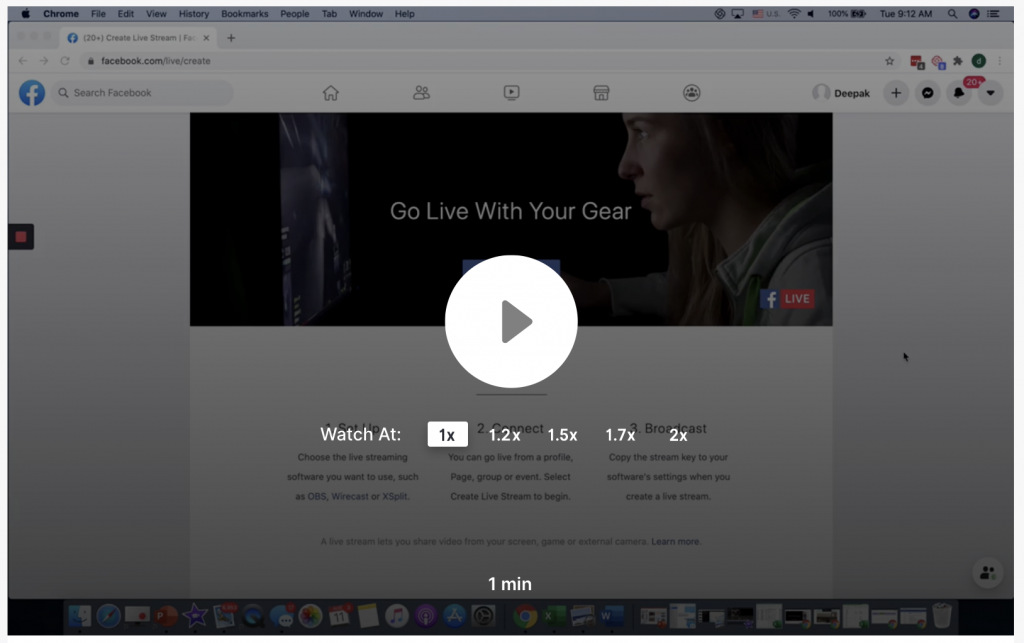
These video tutorials were recorded with Loom, a free app which lets you capture your screen, voice, and face and instantly share your video recording.



ZOOM – YouTube Live – Facebook Live extended by Big Stage to include donation and action links
Big Stage extends ZOOM, YouTube Live and Facebook Live with a panel that has buttons which you control. The presenter can direct viewers to take an action by clicking on of those buttons while watching the presentation. It appears like this with the BigStage Panel above the Facebook Live Stream.

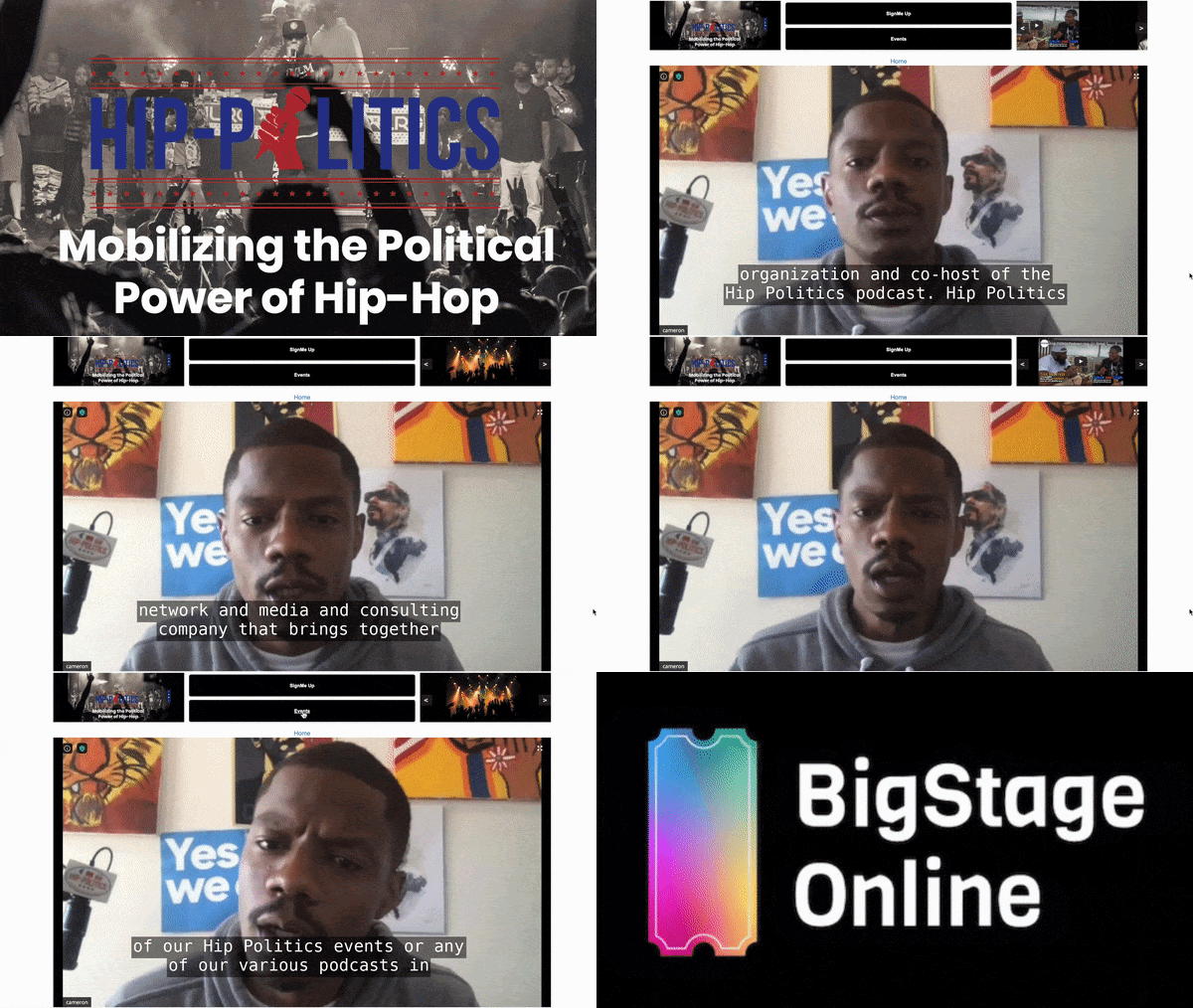
Encore: Extend your event for people who missed the original.
Extend the reach of your events to people who couldn’t make it, by recording your events and making them available later on YouTube. Make the recordings interactive with the BigStage panel of interaction buttons (Donate, Volunteer…) that appear above the video stream. Viewers can interact with the presentation, respond to your calls to action (and make donations) just as if they were at your live event.
Here is an example of an interactive video recording from Phil Ehr who is running for Congress in FL-1. Notice how the video is overlaid with his campaign’s Donate and Volunteer buttons using BigStage.
Takeaway: Extend the reach of your ZOOM virtual events and fundraisers by streaming it on YouTube and Facebook Live.
- Choose the streaming platform to match your objective and the size of your audience.
- Let attendees by join from whichever platform they want – Zoom, YouTube or Facebook.
- Make it easy for participants to donate and take other actions you want with BigStage Online.
DemLabs is currently offering BigStage free of charge to nonprofits working on voting rights and social justice issues. Apply for your free account here.
Deepak
DemLabs
Credits: Photos by Wes Hicks and Shawn Fields on Unsplash
Posted with permission from the Democracy Labs
https://thedemlabs.org/2020/08/12/how-to-livestream-zoom-to-facebook-and-youtube-live/
Read in browser »